The TimeEd app is available for both iPhone (App Store) and Android (Google Play).
Download and sign in
- Get the app for your phone: App Store (iPhone) or Google Play (Android).
- Install the app and open it.
- Sign in with the same email and password as on the web.
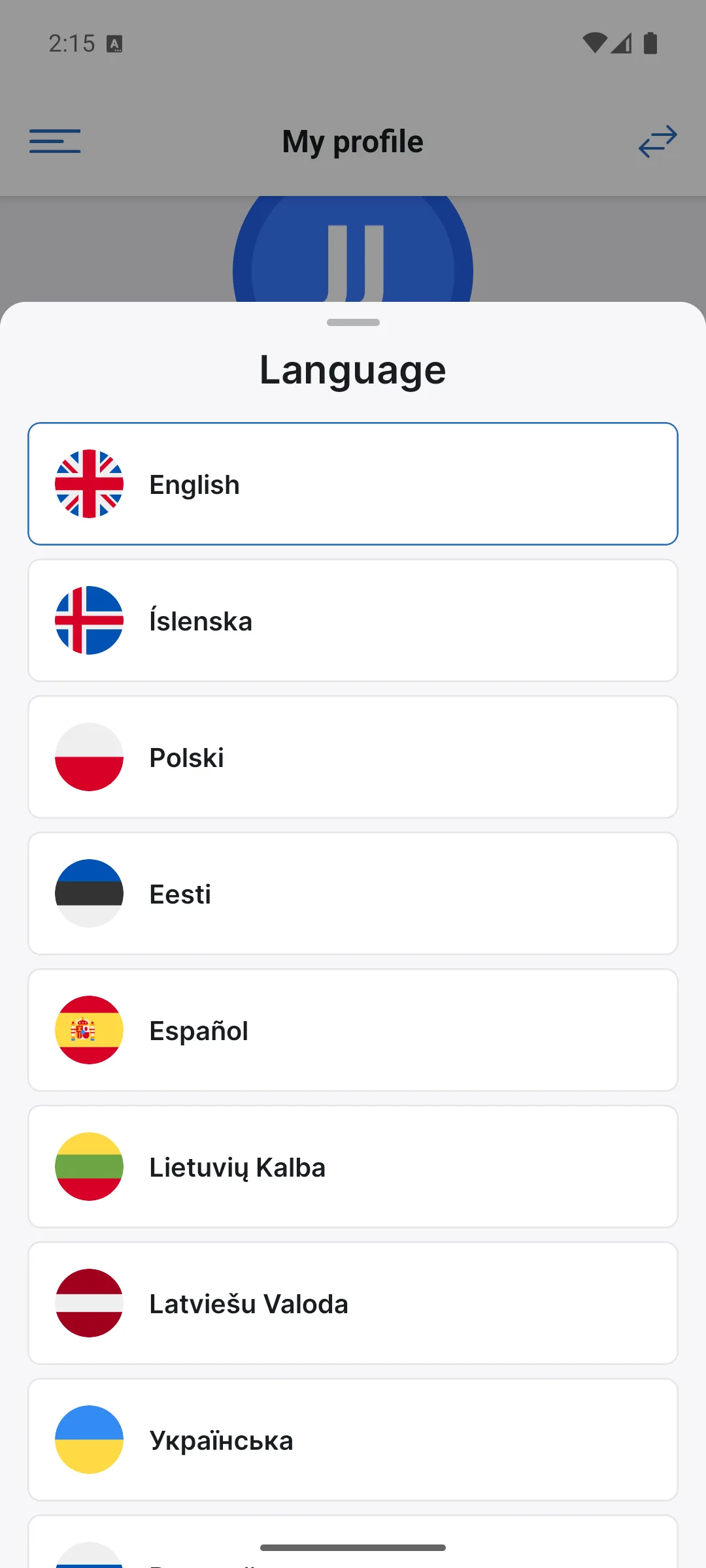
First launch: choose your language
When you open the app for the first time, you choose the interface language. The TimeEd app is available in nine languages. Tap your language and then Continue.
The app shows the same data as the web: tasks, projects and time tracking sync in real time, so you can start a job in the app and finish it on the web.
GPS location
If an administrator has enabled GPS logging (Settings → General on the web), the app asks for permission to use your location. More about when location is recorded in Security, privacy and data retention.