TimeEd - Stimpilklukka is a dedicated tablet app that hangs on the wall or sits on a counter at the workplace. It does one thing and keeps it simple: employees clock in and out with their mobile number. No passwords and no individual sign-ins.
Get the app on Google Play for Android tablets or the App Store for iPad. You can also search for TimeEd - Stimpilklukka.
Setup (administrator)
A team administrator links the device to the workplace once. They need a TimeEd account with their mobile number registered in TimeEd.
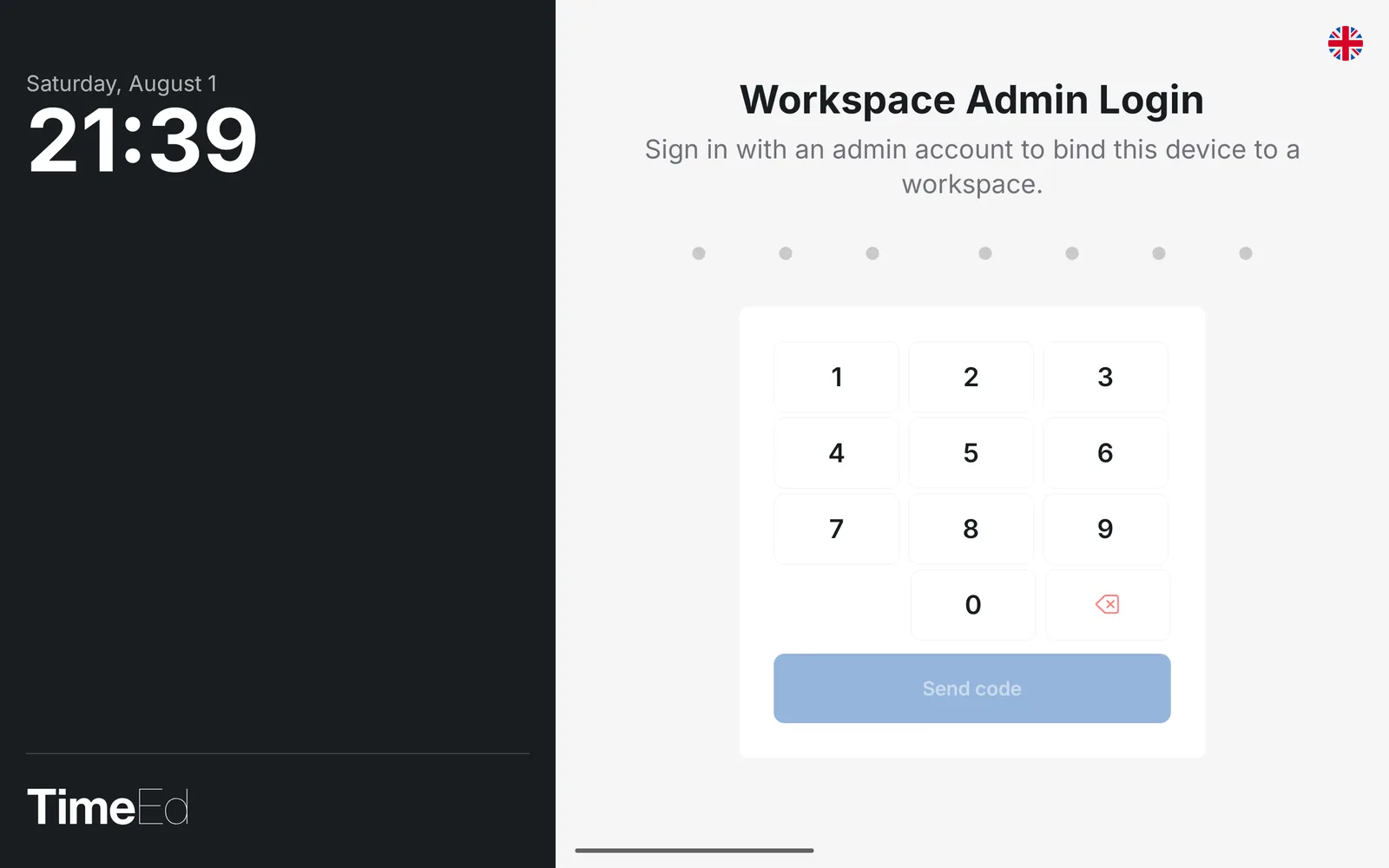
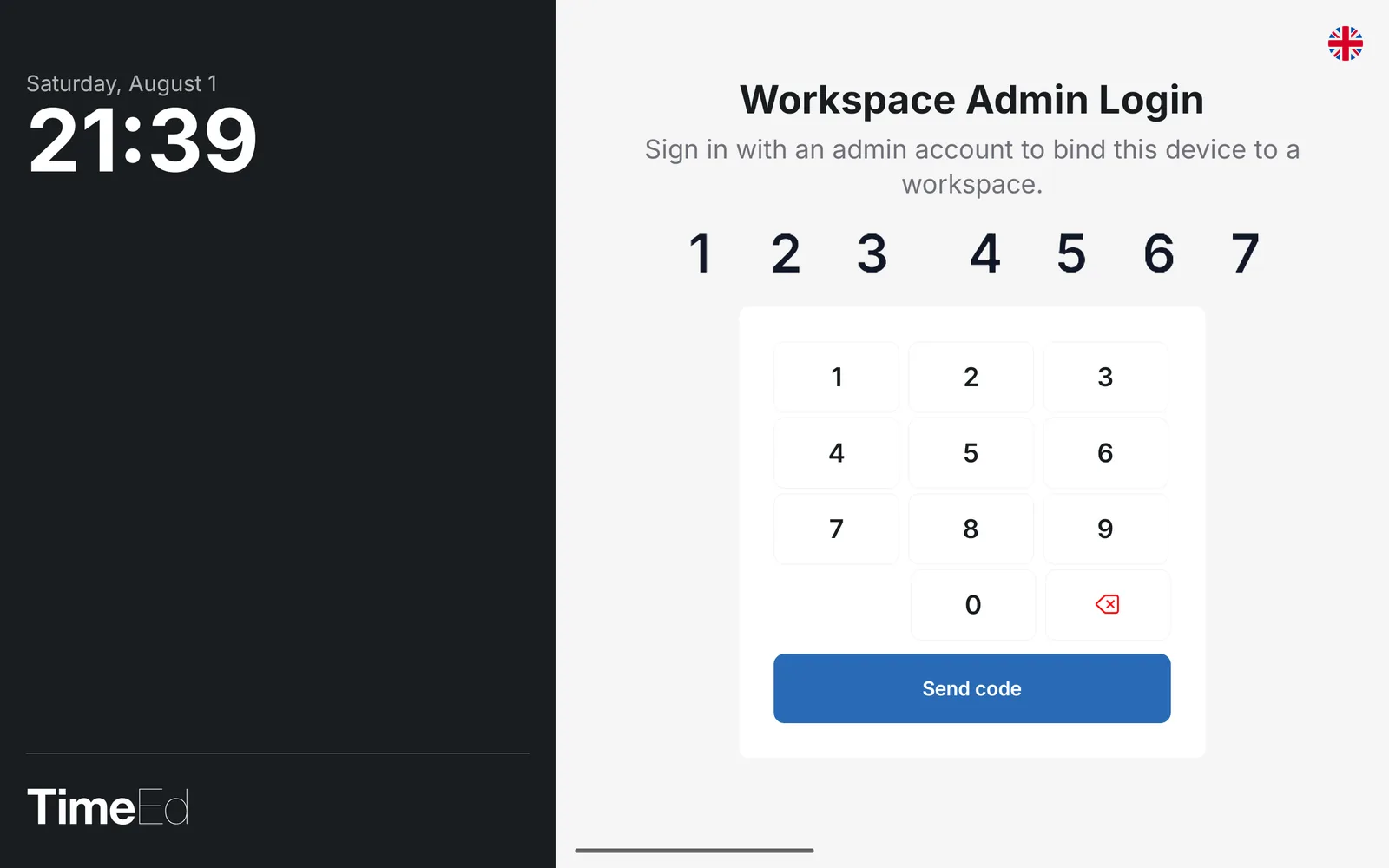
- Open the app and enter your mobile number on the keypad.
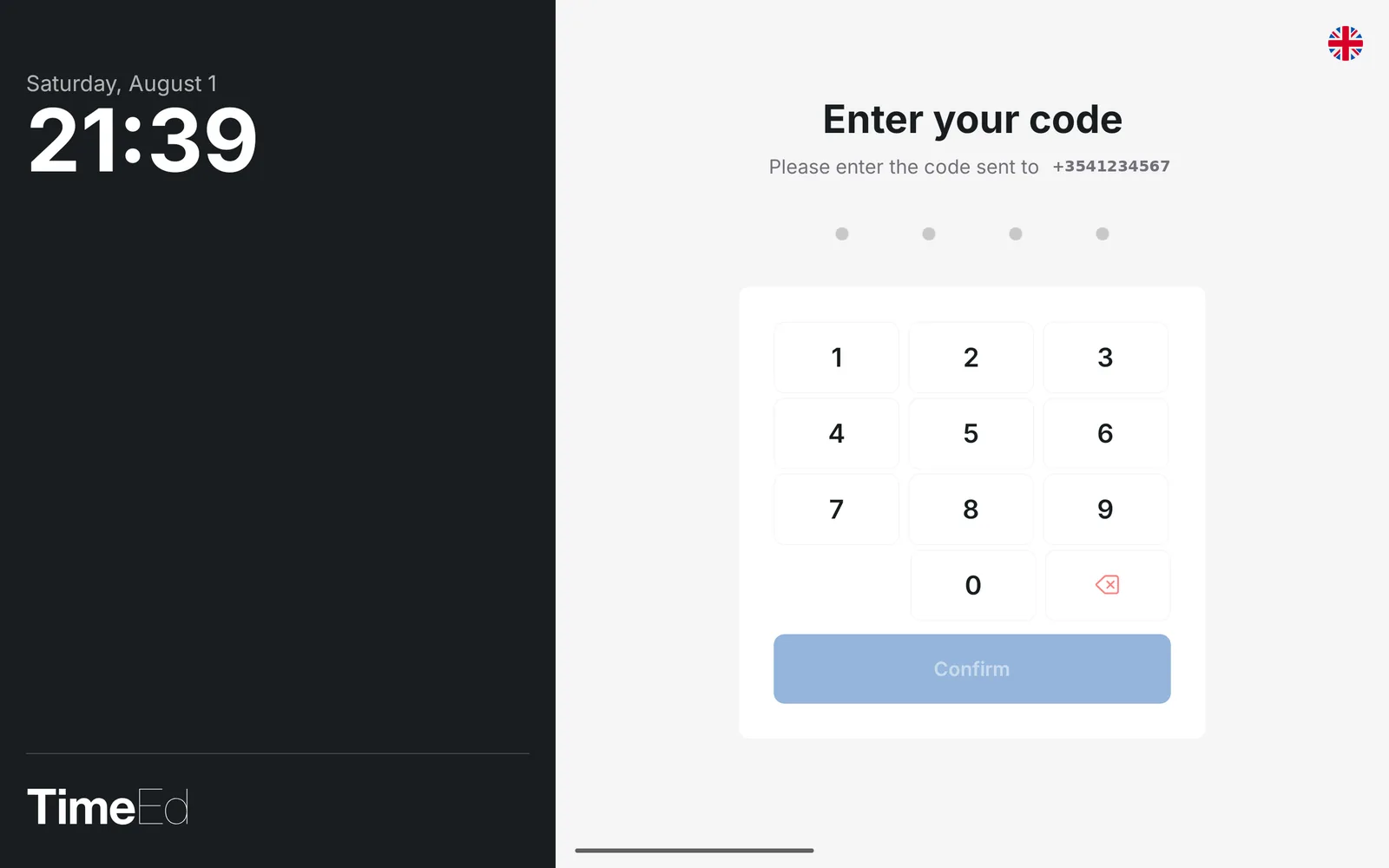
- Tap Send SMS. A four-digit code arrives on your phone (the sender is TimeEd).
- Enter the code and confirm. The device is now linked to the workplace and ready for the team.
One mobile number, one device
For security reasons, each mobile number can only be linked with an SMS code to one device at a time, whether that is the TimeEd mobile app or the time clock. If the number is linked to a new device, it is released from the previous one.
Administrators usually solve this like so: sign in to the TimeEd mobile app with email and password and keep no mobile number on your own account. Then create a dedicated tablet user with its own mobile number and link the time clock with that user.
Languages
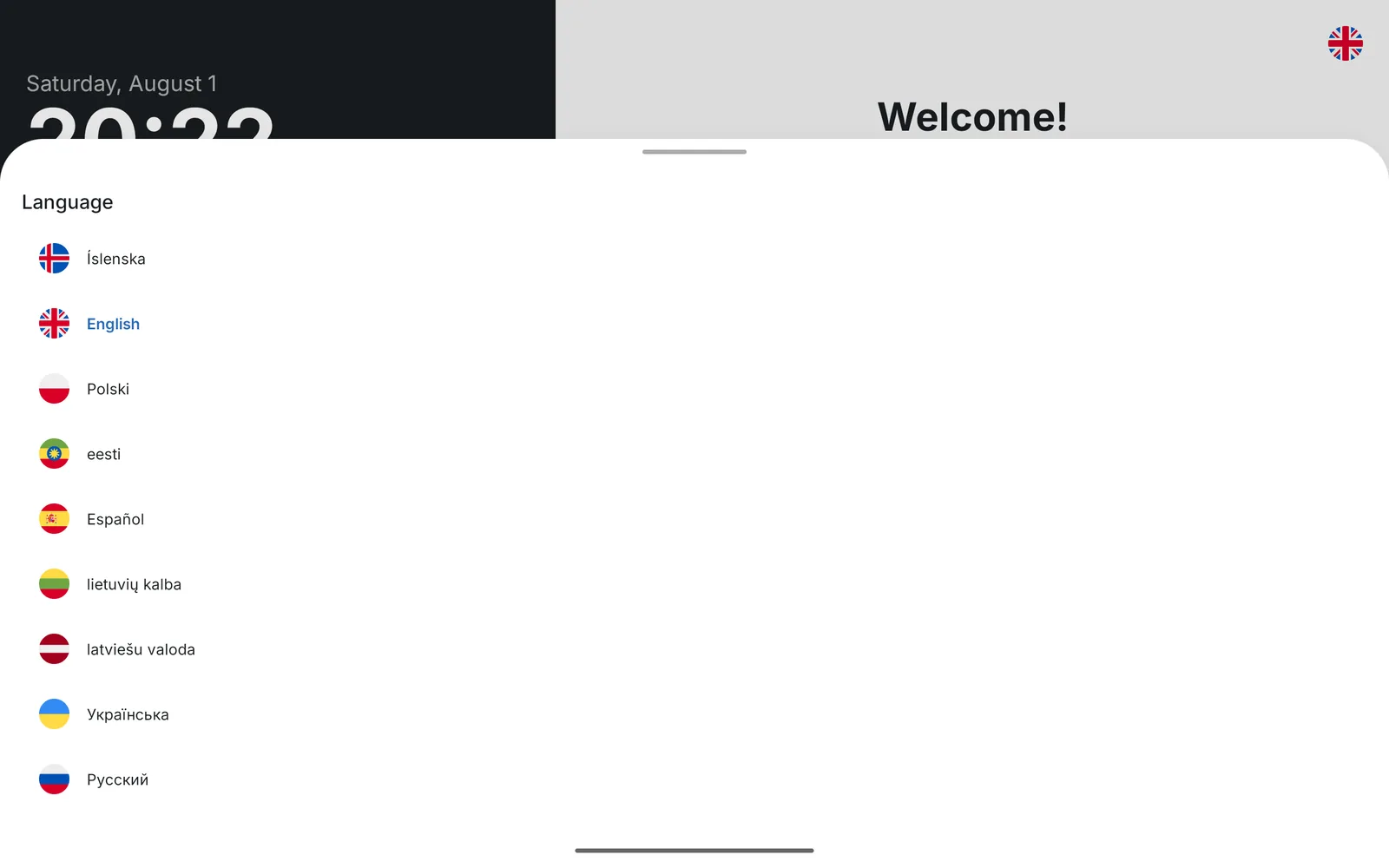
The flag icon in the top right opens the language list with the same 9 languages as TimeEd itself. It can be changed at any time.
Clocking in and out
Everyone on the team uses the same screen. An employee's mobile number must be registered on them in TimeEd.
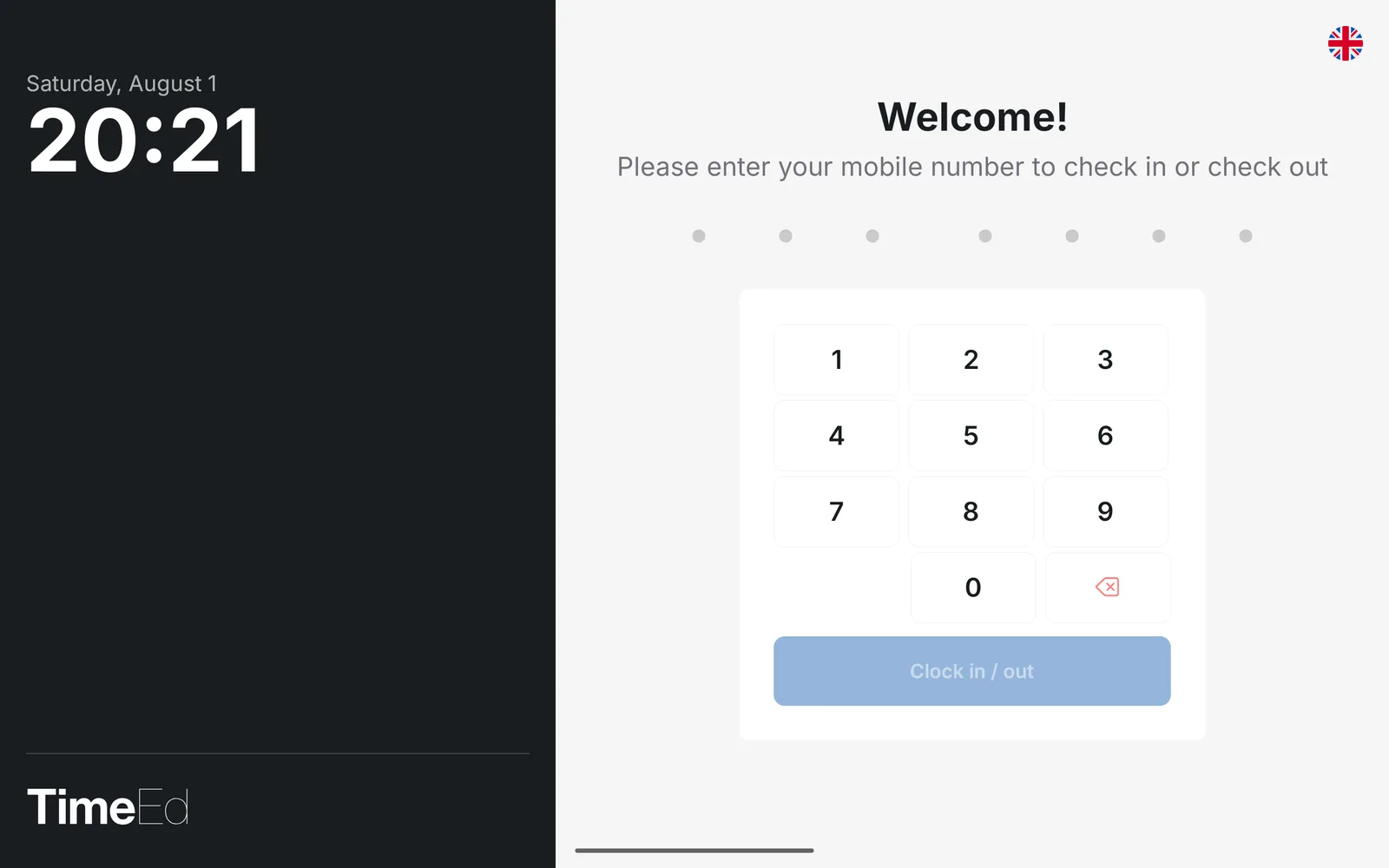
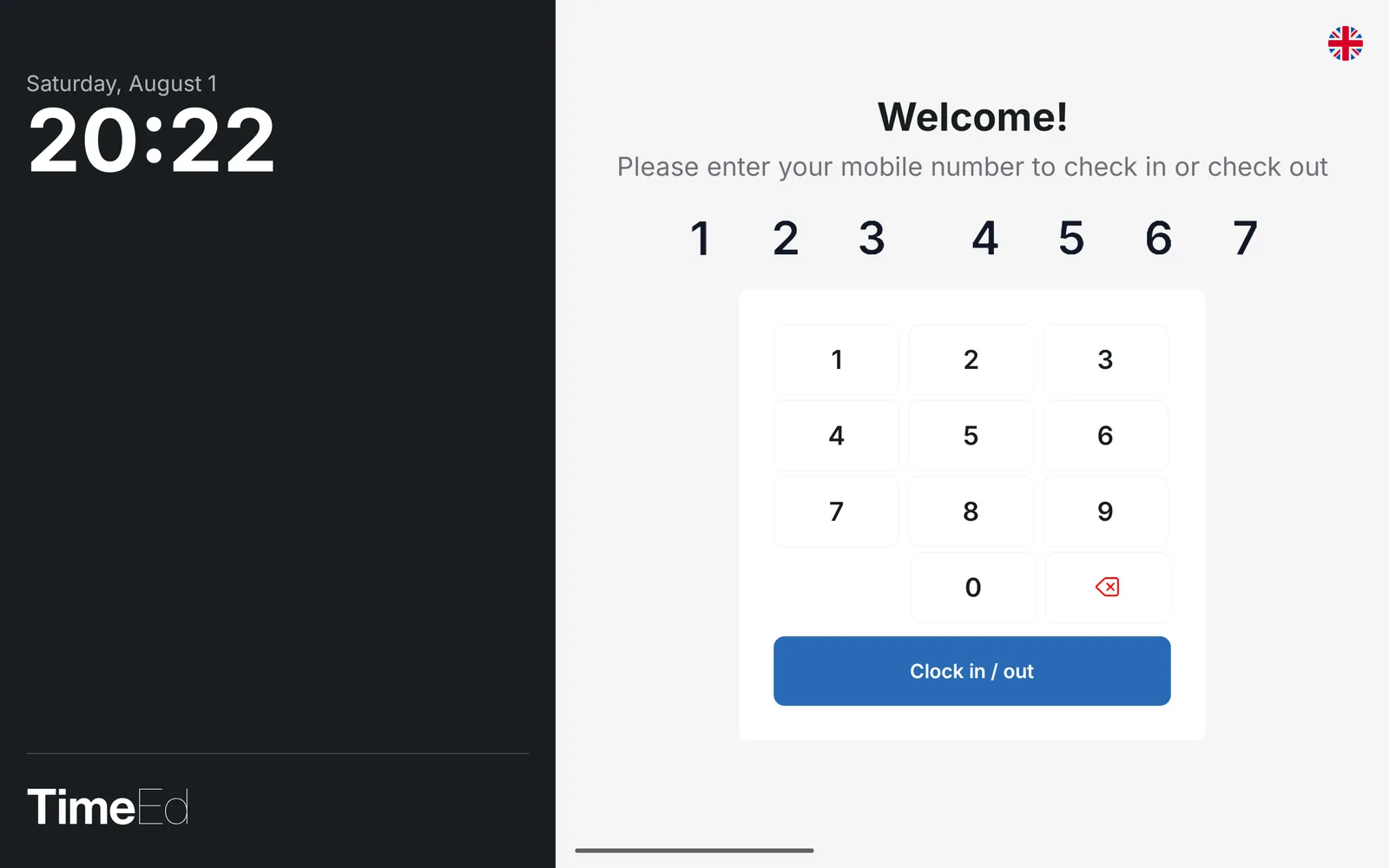
Enter your mobile number and tap Clock in / out. The same button handles both, and the system knows whether you are arriving or leaving.
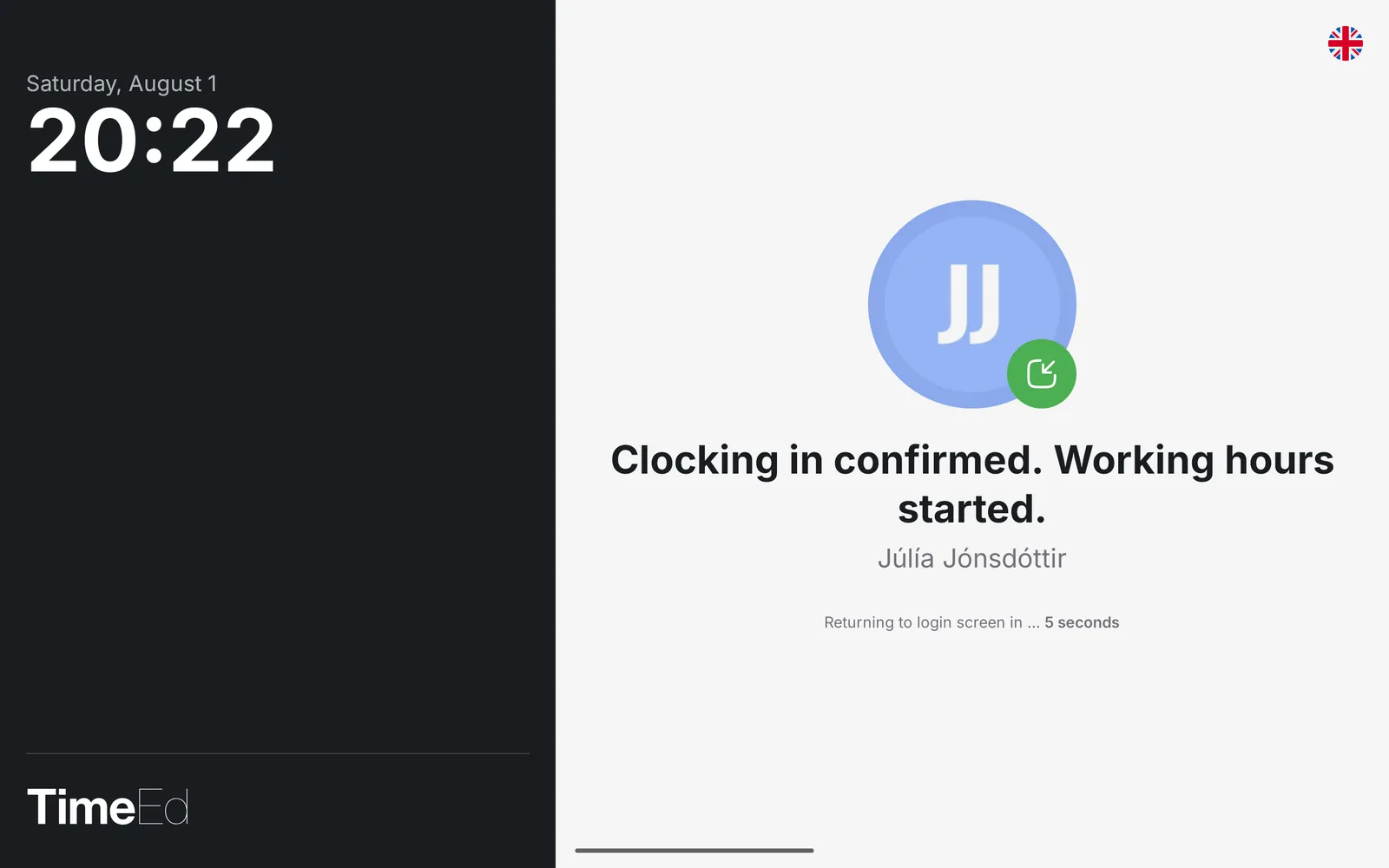
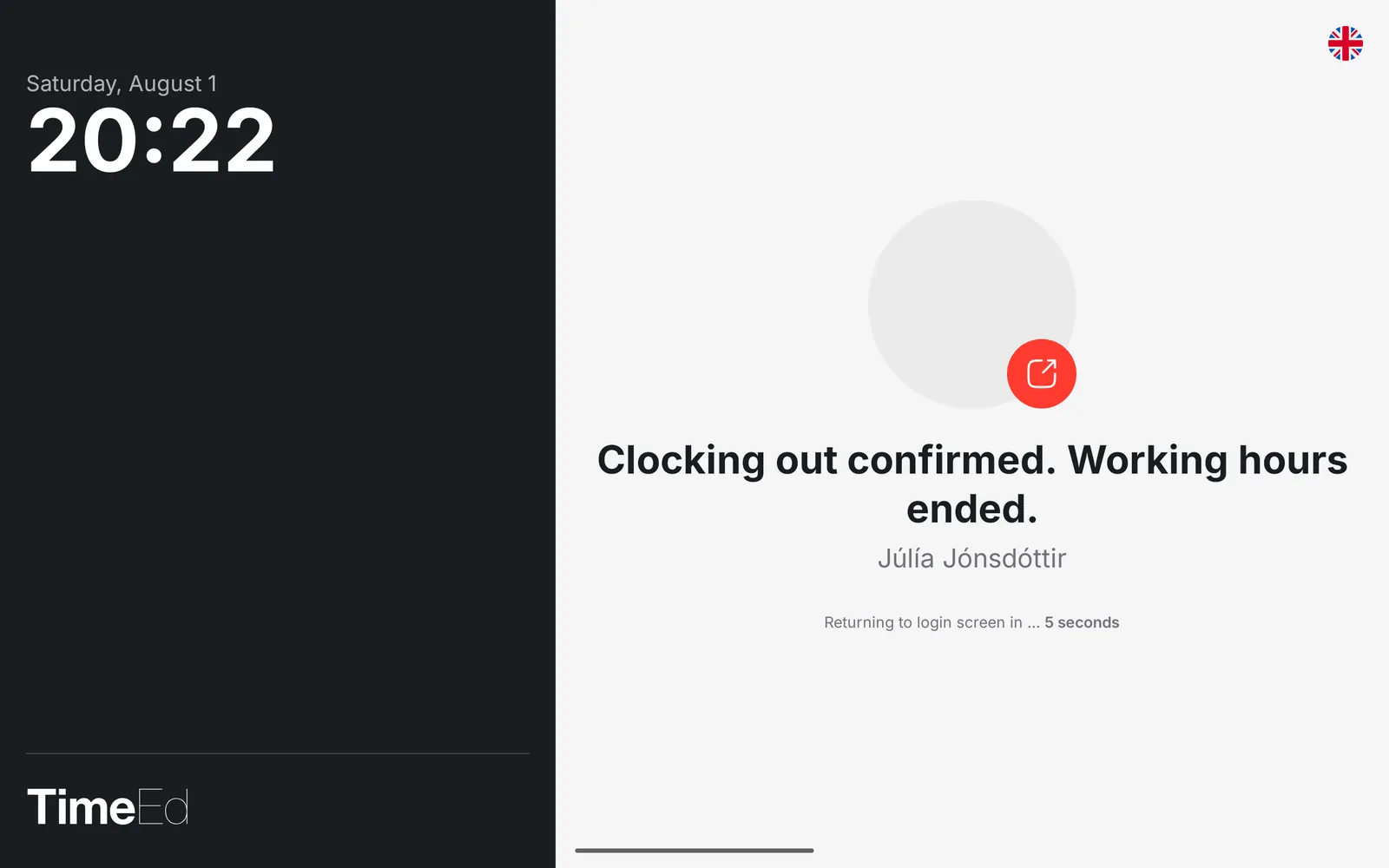
A confirmation screen with your name appears for a few seconds, and the clock is then ready for the next person.
If the device asks for location access (GPS) on the first punch, allow it with While using the app. The location is then attached to the punches.
Where do the hours appear?
Every punch is recorded directly in TimeEd. Employees can look up their hours at any time in the TimeEd mobile app on their phone or at app.timeed.is. Administrators see the whole team's attendance in the time clock report.