When you stop time tracking on a task, TimeEd can ask you for a short comment about what was done. The comments then appear in the reports and make them far more readable, for managers and customers alike.
How it works
- Click the red stop button on the task.
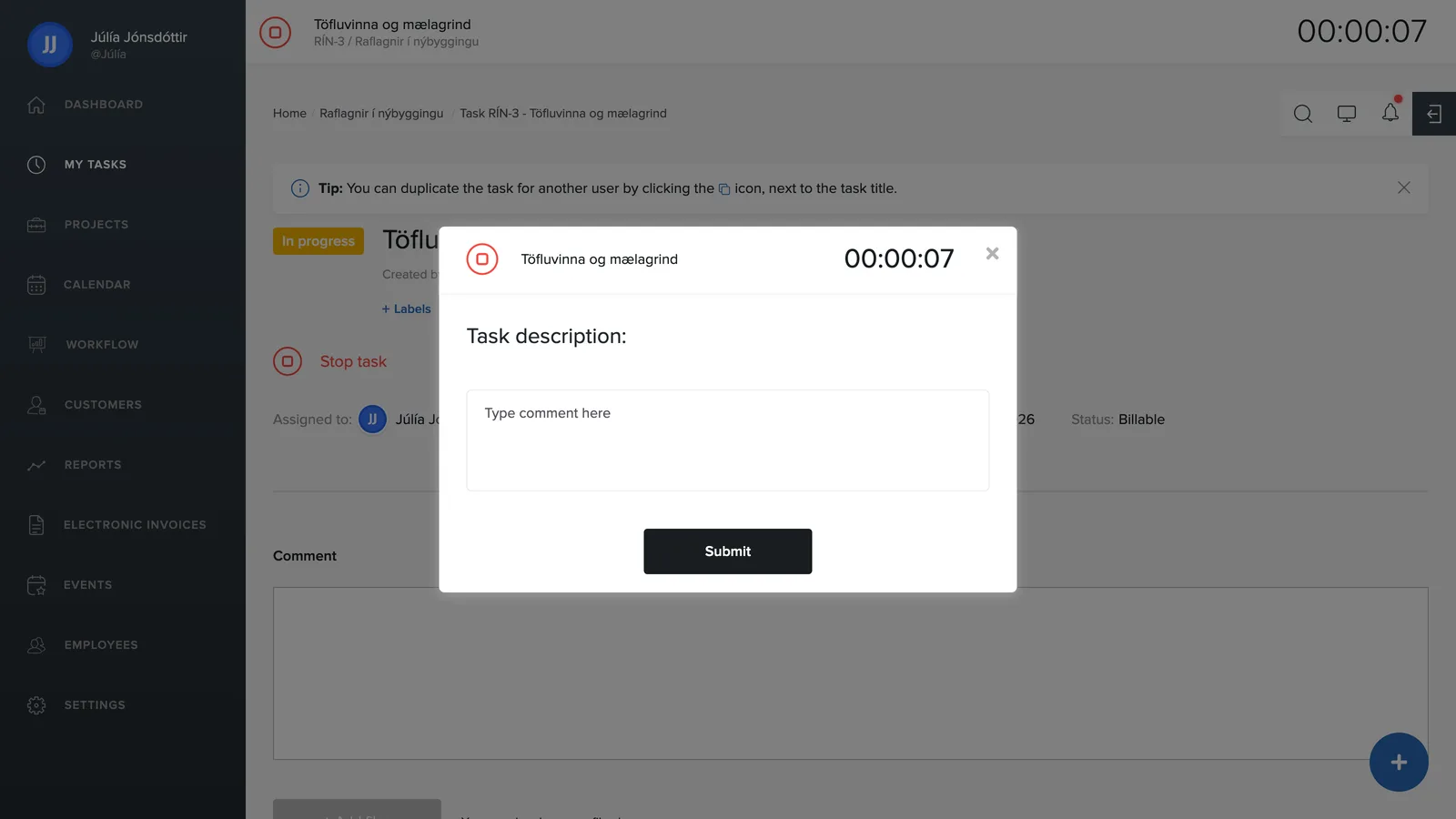
- A window opens with the task description and a comment field.
- Write a short description of what was done, e.g. "Replaced the sensor, still need to test".
- Click Save.
Requiring a comment
An administrator decides whether a comment is required: under Settings → General there is a toggle called User must write a comment when clocking out of a task. When it's on, time tracking can't be stopped without writing a comment.