Under Settings → Time clock you define the working hours the time clock is based on, for each weekday individually.
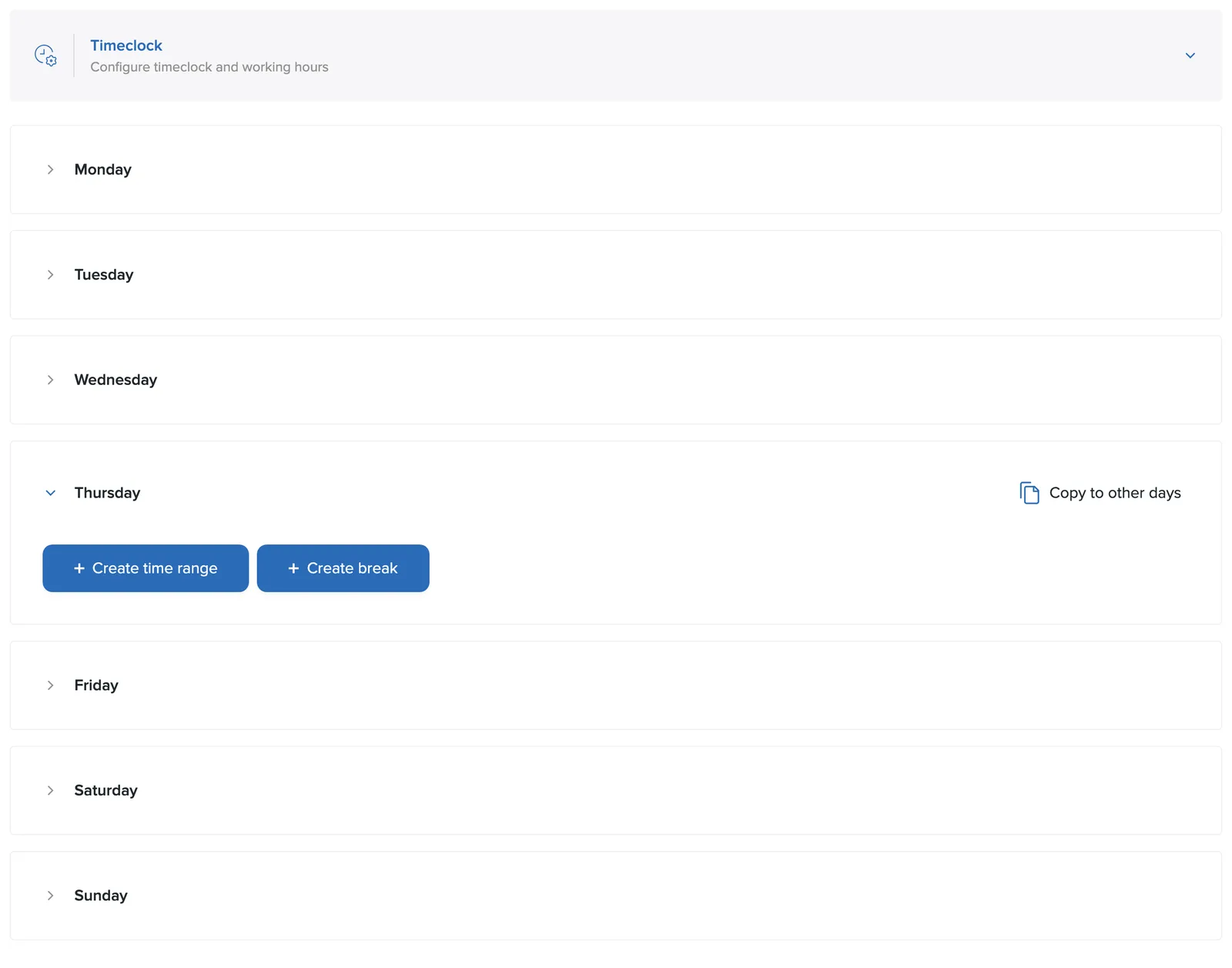
The day's periods
Open a weekday to see its periods. The first period of the day is called Regular hours and for it you set:
- Start time and end time: e.g. regular hours from 09:00 to 17:00.
- Billable rate: the hourly rate that applies during this period.
Overtime and night work
With + Create period you add a custom period to the same day. In Definition you choose whether the period counts as Overtime or Night work, then set its own start and end times and billable rate for it. Delete removes a custom period.
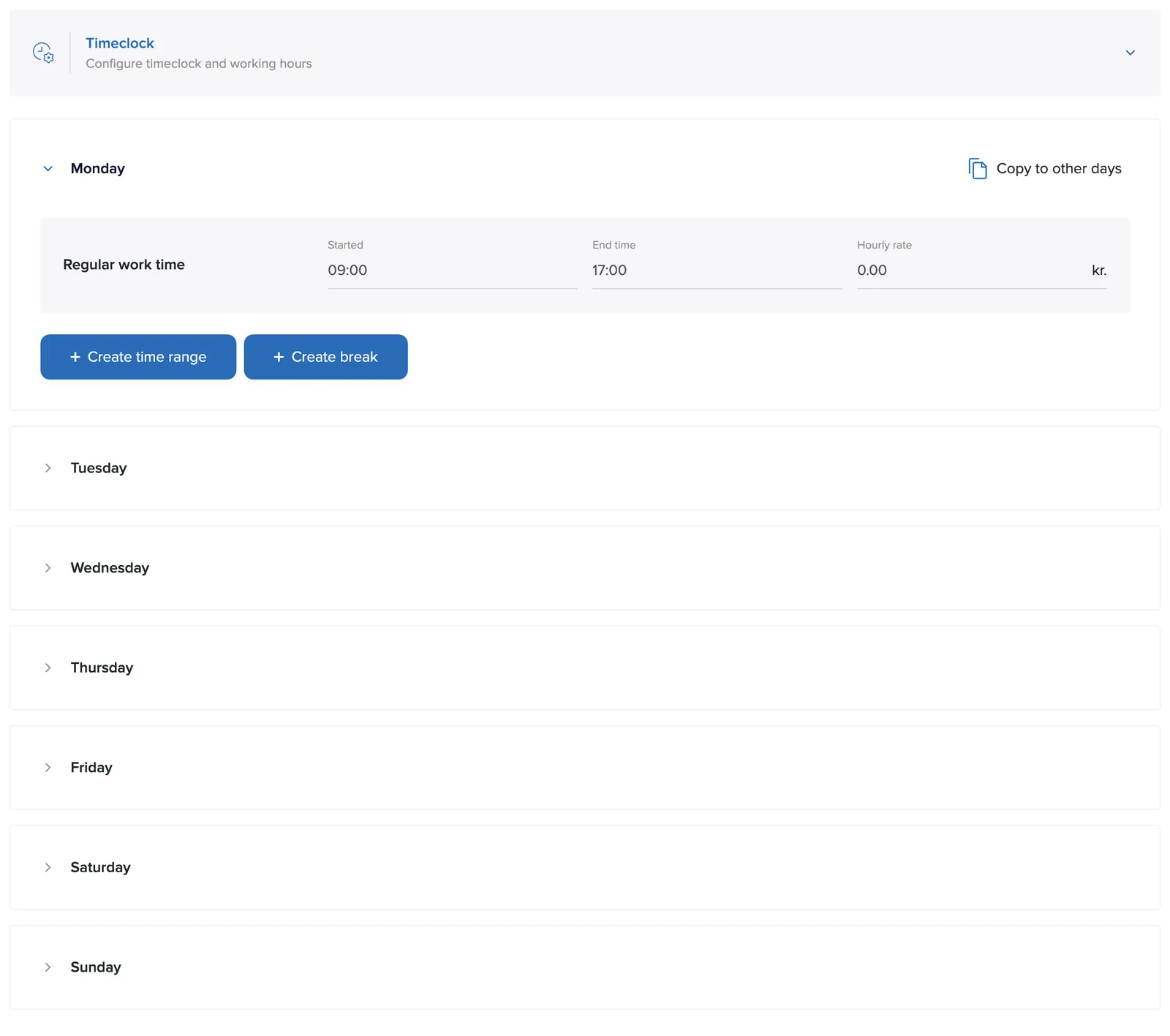
That's how you define regular hours, overtime and night work with different rates. The split then flows through, itemized, into the reports (regular hours, overtime, night work).
Lunch breaks
+ Add lunch break defines lunch or other breaks that are deducted from working time. Lunch appears as its own column in the reports.
Copying to other days
Finished setting up Monday? Click Copy to other days to use the same settings for the whole week.