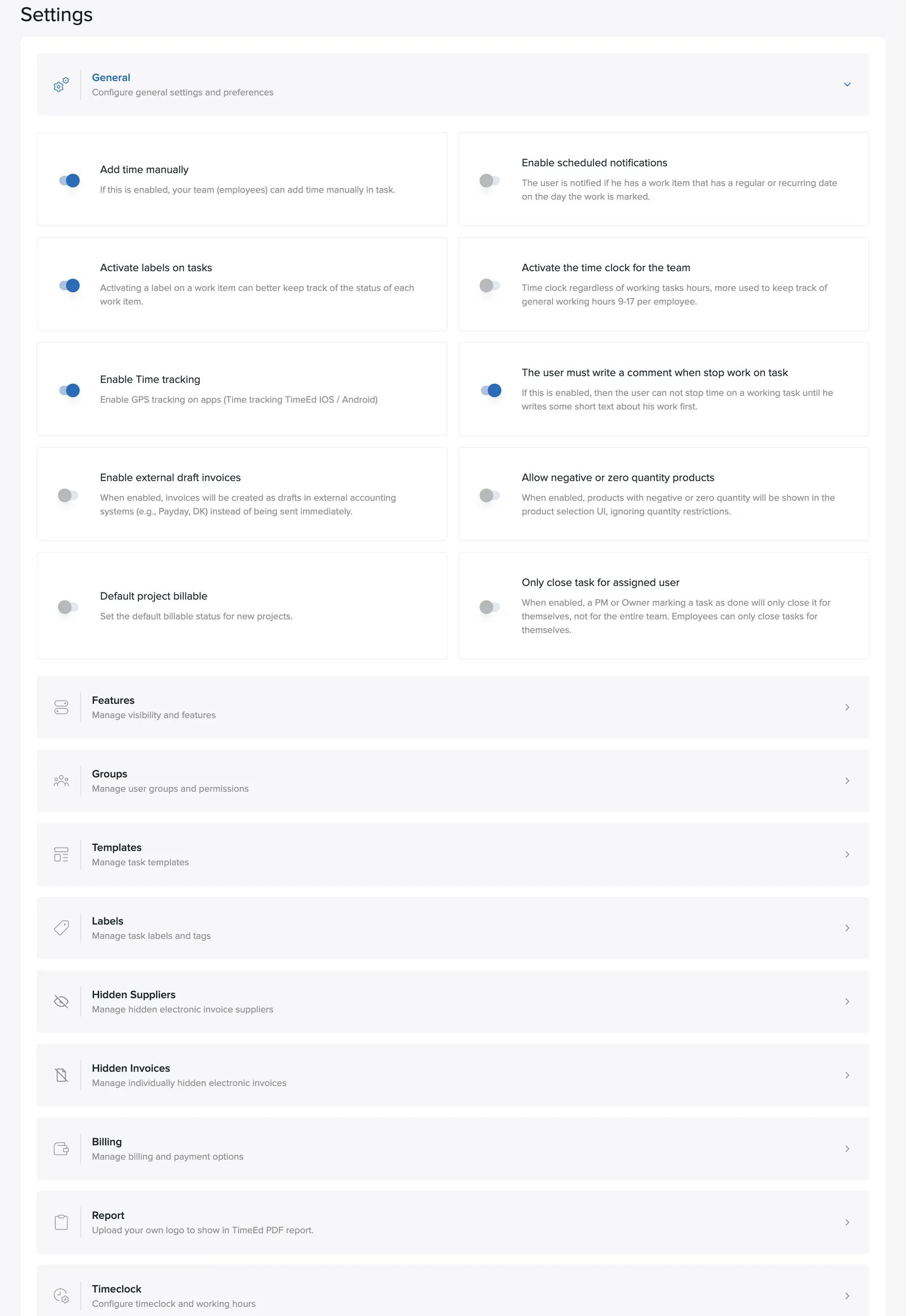
Under Settings → General are the preferences that apply to the whole company. Here's what each toggle does.
Time tracking
- Add time manually: lets the team log time on tasks by hand instead of using only the time clock.
- Enable time clock for the team: a general time clock independent of tasks, for tracking regular working hours (e.g. 9–5). If you don't use the time clock and only track time on tasks, we recommend turning the toggle off: the clock then disappears from the interface and the system becomes simpler.
- Enable time tracking on the apps (iOS / Android): GPS logging on clock-in from the phone. The coordinates are visible only to the user themselves and their supervisor.
- User must write a comment when clocking out of a task: makes a comment mandatory at clock-out.
- Clock-in export: lets administrators send time-clock hours directly to a connected payroll or accounting system. The toggle appears when such an integration is in place.
Tasks
- Enable labels on tasks: turns on the label system.
- Only close a task for the assigned user: when a project manager closes a task, it closes only for that person, not for all assignees on the task.
- Enable recurring/scheduled notifications: the user gets a notification when a scheduled task is due to start.
Invoices and products
- Enable invoice drafts in external accounting systems: invoices are created as drafts in e.g. Payday or DK instead of being sent right away.
- Default billing status for projects: whether new projects are billable by default or not.
- Show products with zero or negative quantity: shows out-of-stock products from accounting-system suppliers.