Under Reports → Invoices there are three tabs: Invoices (uninvoiced work), Invoice drafts and Sent invoices.
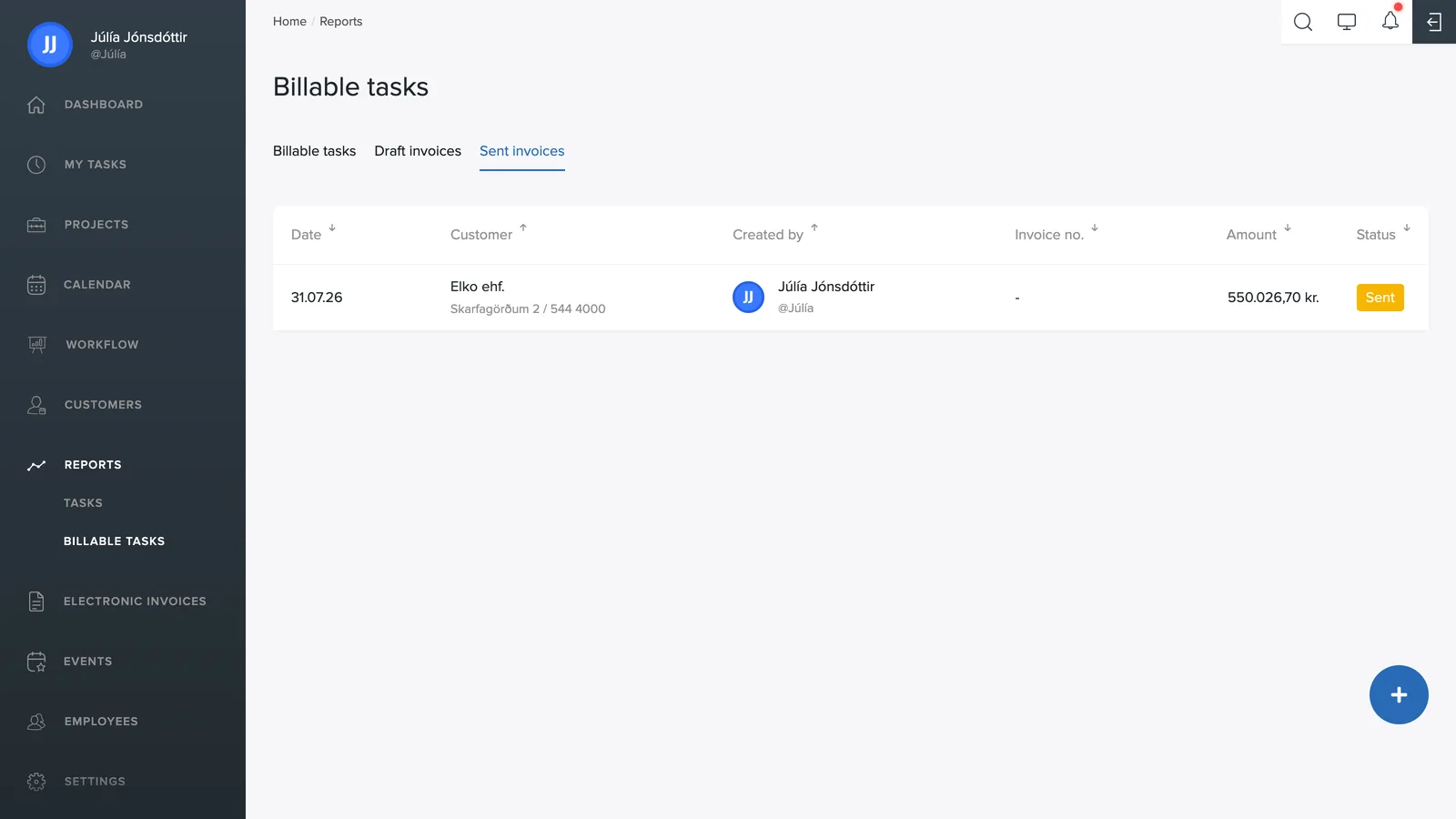
Sent invoices
The list shows all sent invoices with the date, customer, who created the invoice, invoice number, amount and status. Click the column headers to sort the list.
The statuses
- Sent: the invoice has been sent but not paid.
- Paid: the invoice has been paid.
- Credited: the invoice was reversed with a credit invoice.
The status is updated automatically from the accounting system.
Invoice drafts
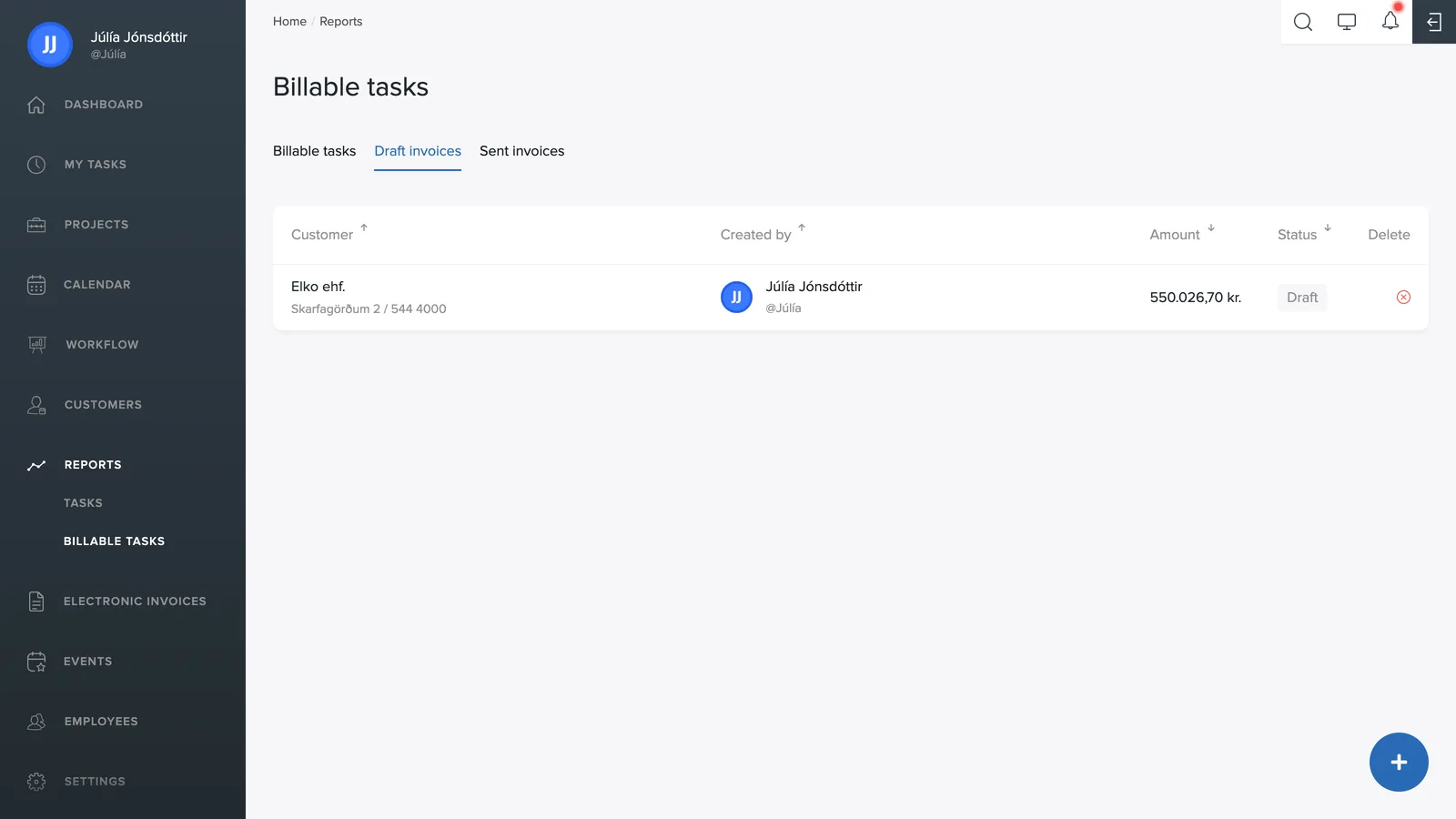
Invoices you saved as drafts wait here. Open a draft to finish the invoice and send it.
You can also delete a draft with the red x – the work then returns to its initial state and the entries appear under Invoices again. The employees' logged time is not lost.
Editing a sent invoice
A sent invoice can be opened and adjusted – for example the hours or the lines – before it moves on in your accounting. Changes to the invoice have no effect on the employees' logged time: the reports stay exactly as they were.