TimeEd on the web is at app.timeed.is. The same sign-in works in the TimeEd app and on tablets.
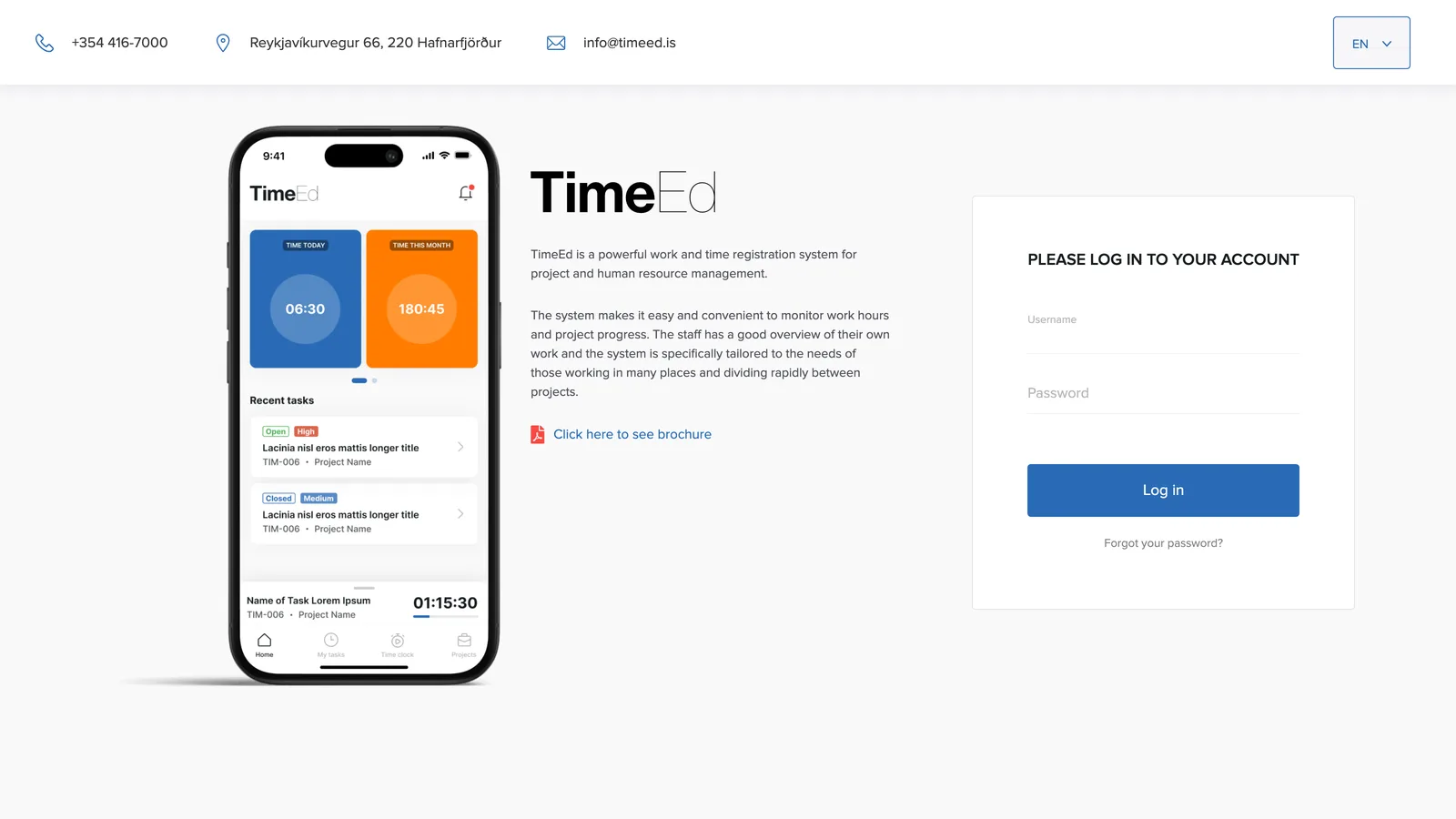
How to sign in
- Open app.timeed.is in your browser.
- Enter your username (your email address).
- Enter your password.
- Click Log in.
Forgot your password?
Click Forgot your password? below the Log in button, enter your email address and click Reset password. Then follow the instructions sent to you by email.
Language
In the top right corner of the sign-in page you can choose the interface language. TimeEd is available in nine languages, including Icelandic, English and Polish, and each user can also pick their own language in their profile after signing in.
Need an account?
Your company's administrator can create new accounts by inviting new users on the Employees page. If you need an account, contact the TimeEd administrator at your company.