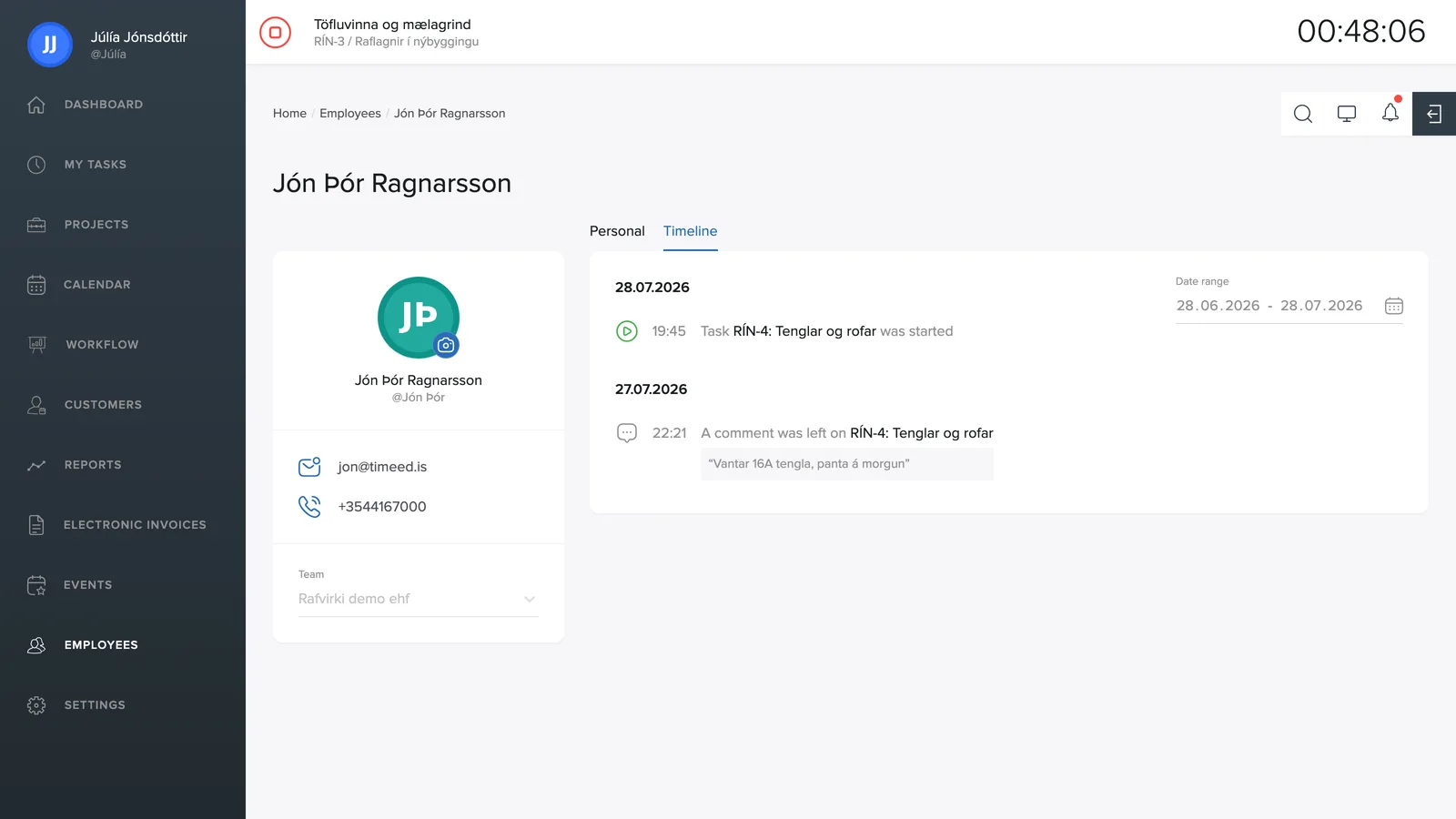
The Timeline tab on an employee's page shows their activity in the system, day by day.
What's shown
- Clock-ins: when a task was started (green icon) and stopped (red icon), with the task's ID and name.
- Comments: comments the employee left on tasks, with the text itself.
Period
In the top right you choose the date range the timeline covers. This is handy for recalling what was done last week or confirming when a particular job was clocked.