When an employee logs leave, a request is created for a manager to act on.
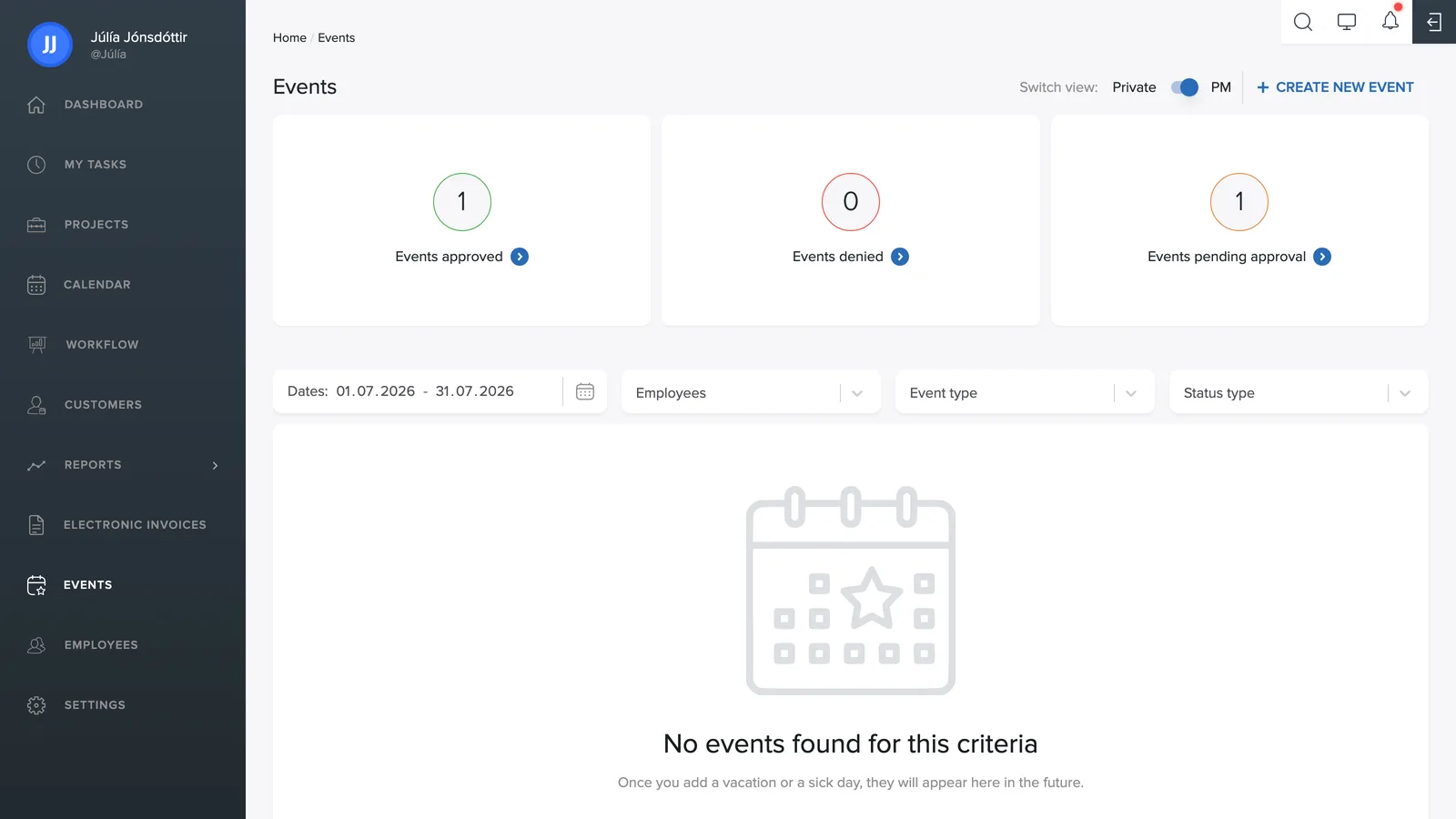
The team overview
Set the toggle at the top to Team. You'll then see three counters: Events approved, Events rejected and Events awaiting approval. Click each one to see the corresponding list.
Handling a request
The list shows the employee, the type (e.g. Leave), a description, the date range and the length in working days. To the right of each row are two buttons:
- Green check: approve the request.
- Red x: reject the request.
Filters
Above the list you can narrow it down by period, employees, event type and status, for example to see only requests awaiting approval.